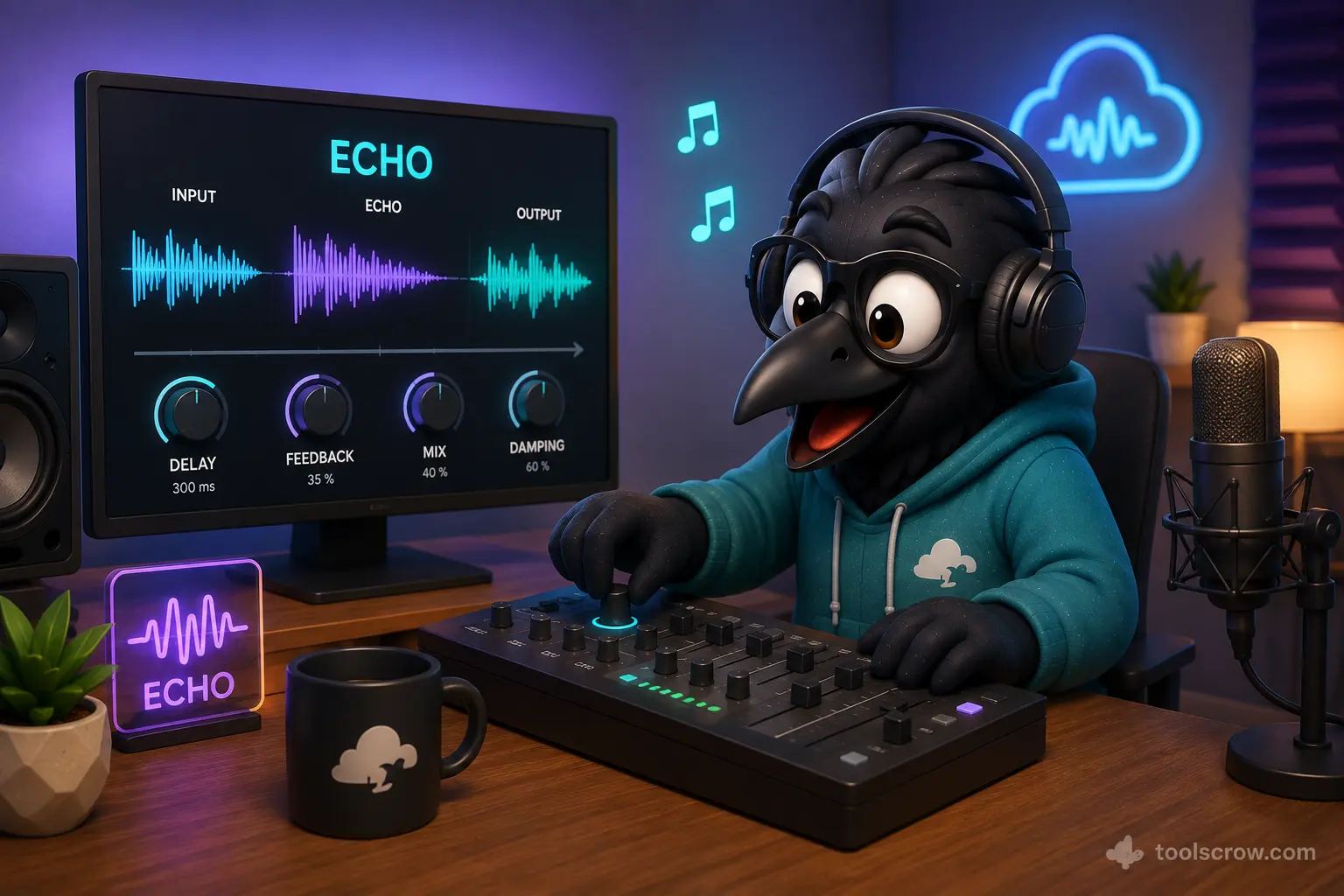
Professional Audio Echo & Delay Solutions for Content Creators
Transform your audio productions with studio-quality echo and delay effects that elevate your content to professional standards. Our advanced audio processing technology provides broadcast-quality echo effects perfect for music production, podcast enhancement, video sound design, and professional audio workflows.
✓ Studio-Quality Echo Effects
Implement professional-grade echo and delay effects that meet industry standards for music production and audio post-processing.
⚡ Advanced Echo Algorithms
Five sophisticated echo types including multi-tap, ping pong, tape echo, and reverse delay for creative sound design.
🎛️ Precision Control
Fine-tune delay times, feedback levels, and stereo spread with sample-accurate precision and real-time audio visualization.
Industry-Standard Echo & Delay Applications
Professional audio engineers, musicians, and content creators rely on echo and delay effects across multiple industries. Our solution delivers the accuracy and creative flexibility required for demanding production environments.
Music Production
Create atmospheric guitar solos, vocal depth, and rhythmic patterns with precise delay timing and feedback control.
Podcast Enhancement
Add professional presence and depth to vocal recordings with subtle echo effects and spatial enhancement.
Film & Video Sound Design
Create dramatic audio moments, simulate environments, and enhance emotional impact with timed delay effects.
Broadcast Media
Meet broadcast standards with professional echo effects for jingles, transitions, and audio branding elements.
Technical Superiority in Echo Processing
Our audio echo engine incorporates advanced digital signal processing techniques that outperform traditional solutions in sound quality, flexibility, and creative possibilities.
Advanced Echo Type Technology
Unlike basic delay effects, our multi-algorithm system provides the professional sound characteristics preferred by audio engineers:
-
Multi-Tap Delays - Multiple echo repeats at different intervals for complex rhythmic patterns
-
Ping Pong Echo - Stereo bouncing effects that create immersive spatial experiences
-
Tape Echo Emulation - Vintage-style delays with authentic modulation and saturation
-
Reverse Echo - Creative backward delays for experimental sound design
Industry-Leading Echo & Delay Capabilities
Compare our professional audio echo solution against traditional alternatives and discover why sound designers choose our technology for critical projects.
| Feature | Professional Echo Tool | Basic Audio Editors | Online Converters |
|---|---|---|---|
| Multiple Echo Types | 5 Advanced Algorithms | Basic Delay Only | Single Effect |
| Precision Timing Control | Millisecond Accuracy | Limited Presets | Fixed Settings |
| Real-time Audio Preview | Instant Feedback | Render Required | No Preview |
| Stereo Imaging | Full Stereo Control | Mono Processing | Basic Panning |
| Professional Formats | WAV, MP3, OGG | Limited Export | Single Format |
Seamless Professional Workflow Integration
Incorporate precision echo and delay effects into your existing production pipeline with support for industry-standard formats and professional quality preservation.
Production-Ready Features
🔧 Format Compatibility
Full support for WAV, MP3, OGG, and audio extraction from video files including MP4 and WEBM formats.
📊 Quality Preservation
Maintain original audio quality with lossless WAV export and high-bitrate MP3 encoding options up to 320kbps.
⚙️ Creative Presets
Professional-grade starting points including slapback, canyon, tape echo, and rhythmic delay patterns.
Professional Echo Types Explained
Understanding the different echo algorithms helps you choose the right effect for your specific audio production needs.
🔁 Single Echo
Classic delay effect with precise control over timing and feedback. Perfect for slapback effects and simple repetitions.
⏱️ Multi-Tap Delay
Multiple echoes at different time intervals creating complex rhythmic patterns and textured soundscapes.
↔️ Ping Pong Echo
Stereo delay that alternates between left and right channels for immersive spatial effects and width.
📼 Tape Echo
Vintage-style delay with modulation and saturation that emulates classic tape echo machines.
⏪ Reverse Echo
Creative effect that plays echoes in reverse order for experimental and dramatic sound design.
Professional Echo & Delay Techniques
Master the art of echo and delay application with these industry-proven techniques used by professional audio engineers.
🎯 Timing is Everything
Set delay times to match your project's tempo for musical, in-time echoes that enhance rather than distract.
🌊 Modulate for Movement
Add subtle modulation to delay times to create chorus-like movement and prevent static, repetitive echoes.
🎚️ High-Pass Your Delays
Use the tone control to remove low frequencies from echoes, keeping your mix clean and preventing muddiness.
Audio Echo & Delay Expert Insights
Common questions about professional echo and delay techniques and best practices.
Technically, delay is the effect that creates repetitions of audio, while echo refers specifically to delays with noticeable feedback and decay. In practice, the terms are often used interchangeably, but echo typically implies more pronounced, audible repetitions.
Use this formula: 60,000 ÷ BPM = quarter note in milliseconds. For eighth notes, divide by 2; for dotted eighths, multiply by 1.5. Our dotted eighth and triplet presets automatically calculate these musical values.
For natural-sounding spaces, use 30-50% feedback. Lower settings (10-30%) work for subtle effects, while higher settings (50-80%) create dramatic, cascading echoes. Avoid 100% feedback unless creating infinite repeats.
Use mono delay for focused, centered elements like lead vocals. Use stereo (ping pong) delay for creating width and space in mixes, particularly on guitars, keyboards, and background elements.
Use the tone control to roll off low frequencies from echoes, keep feedback moderate, and use shorter delay times for busier musical sections. Also, consider automating echo levels throughout your arrangement.
Ready to Transform Your Audio with Professional Echo Effects?
Join thousands of content creators, musicians, and audio professionals who trust our echo and delay tool for their critical projects. Experience studio-quality audio processing completely free and private in your browser.