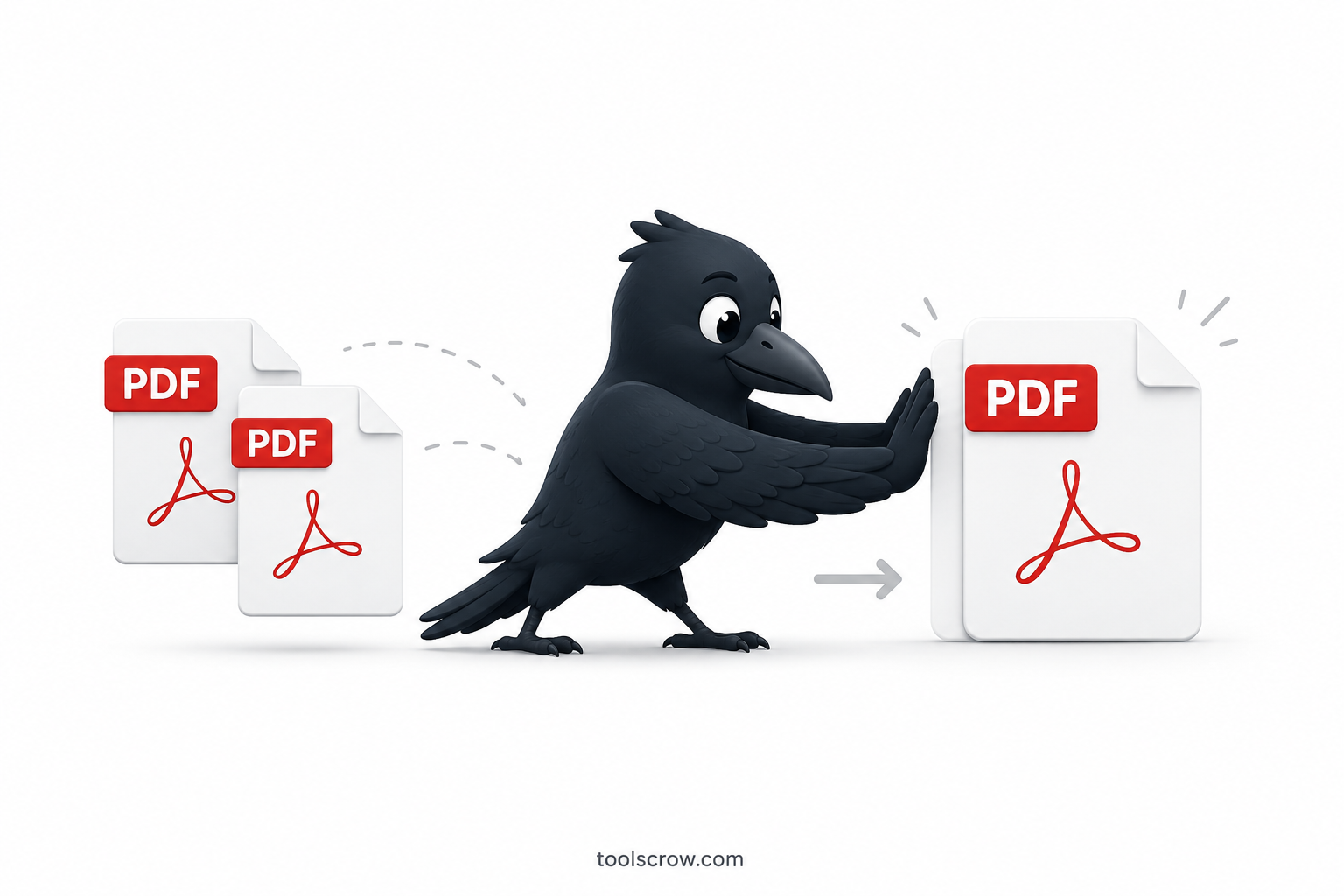
How to Merge PDFs Without Adobe Acrobat (Free Methods 2026)
Merge PDF files for free without Adobe Acrobat. Three easy methods including a browser-only tool that keeps your files p…
Read article →Merge multiple PDF files 100% Fast & Secure.
Drag & drop PDF files here or click to browse
Up to 20 files • Max 10MB each
Advertisement
Files are processed in your browser, no server uploads.
Merge PDFs in seconds with our optimized processing.
No file size restrictions or watermarks on merged files.
Advanced algorithms preserve quality and formatting.
Discover how to efficiently combine multiple PDF documents into a single, professional file with our advanced PDF merger tool.
Easily arrange your PDF files with our user-friendly drag-and-drop system.
Select specific pages or page ranges from each PDF file for inclusion in your final document.
Correct improperly oriented pages with rotation options to ensure perfect alignment.
Preview documents before finalizing to verify order, orientation, and content.
Name your merged document appropriately for easy identification and organization.
Maintain original quality of text clarity, image resolution, and formatting.
Begin by selecting the PDF documents you wish to merge. You can either click the "Add Files" button to browse your computer or simply drag and drop files directly into the upload area.
Once your files are uploaded, arrange them in your desired order using the drag-and-drop interface. Select specific pages, adjust orientation, and preview each document.
Specify your preferred output filename for easy identification. Review the estimated file size and number of pages in your final document.
Initiate the merging process with a single click. Our advanced algorithms will efficiently combine your selected pages while preserving quality. Download your perfectly merged PDF file.
Combine research papers, create reading lists, and compile thesis materials for efficient studying and research organization.
Merge financial reports, combine contract documents, and create comprehensive project proposals for professional presentations.
Compile case files, combine legal briefs, and organize court documents for efficient case management and preparation.
Combine travel documents, create photo books, compile recipes, and organize important personal records in one place.
Merge design portfolios, combine artwork, and create comprehensive project presentations for clients and exhibitions.
Compile invoices, merge transaction records, and organize administrative documents for streamlined business operations.
Our tool currently supports merging of standard, unprotected PDF files. If your documents are password-protected, you'll need to remove the protection before merging them.
PDFMerge Pro allows you to merge up to 20 files simultaneously, which should accommodate most merging needs. For larger projects, consider breaking them into multiple merging sessions.
No, the merging process preserves the original quality of your documents. Our tool maintains the resolution of images and clarity of text throughout the process.
While our tool allows extensive rearrangement before merging, once the process is complete, you would need to use a PDF editor to rearrange pages in the final document. We recommend carefully reviewing the page order using our preview feature before finalizing the merge.
Our tool offers generous file size allowances that accommodate most document merging needs. While extremely large files may take longer to process, our optimized algorithms ensure efficient merging regardless of file size.
Yes, PDFMerge Pro is fully responsive and works seamlessly on mobile devices, tablets, and desktops. The interface adapts to your screen size for optimal usability across all devices.
Join thousands of satisfied users who have streamlined their document management
Start Merging NowMerge PDF files for free without Adobe Acrobat. Three easy methods including a browser-only tool that keeps your files p…
Read article →i love this app, this tool helps me alot
5 of us wrote different chapters. This tool merged everything into one perfect PDF. Maintained formatting perfectly. Lifesaver for group projects!