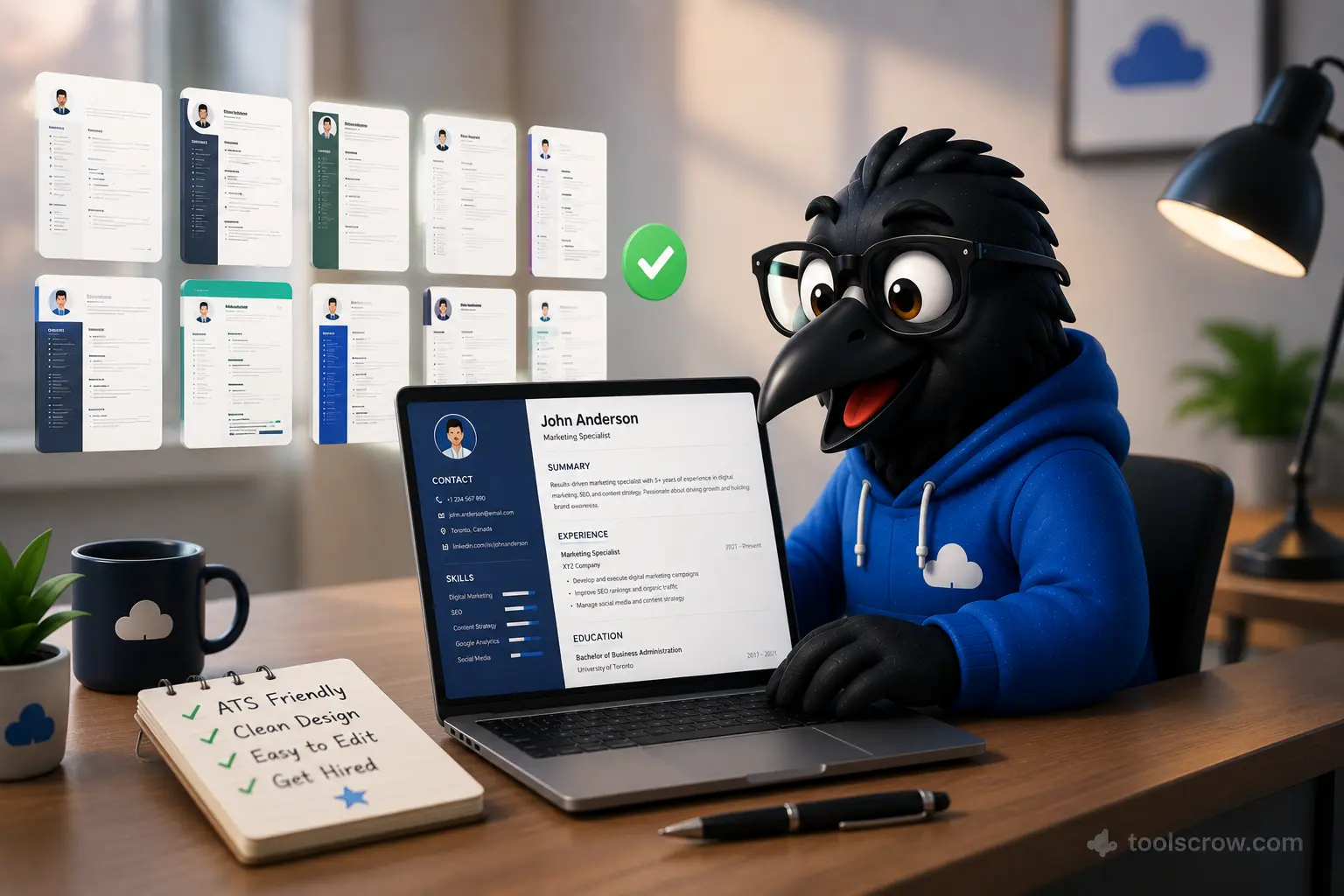
CV Maker: 10 Resume Templates That Pass ATS Scans (Free 2026 Guide)
Build an ATS-friendly resume in minutes with our free CV maker. Covers the 10 best resume templates that pass applicant …
Read article →Build a job-winning resume in minutes with our advanced CV maker. Choose from professional templates, customize every detail, and export as PDF, MS Word, or high-quality image. Perfect for freshers and experienced professionals worldwide.
Start Building Your CVSelect a template that matches your career level and industry. All templates are ATS-friendly and fully customizable.
Clean, contemporary design perfect for corporate roles and experienced professionals.
RecommendedTimeless, elegant layout ideal for senior positions and traditional industries.
ProfessionalSimple, clean design perfect for fresh graduates and entry-level positions.
For FreshersStandout design for creative industries, marketing, design, and tech roles.
CreativeStart with your basic details. Fields marked with * are required.
Write a compelling summary that highlights your expertise and career goals.
Add your technical and soft skills. These help recruiters quickly identify your capabilities.
No skills added yet. Start typing above to add your skills.
List your work history starting with the most recent position. Include achievements and responsibilities.
Add your academic qualifications starting with the most recent degree.
Add any extra information that strengthens your CV. All fields are optional.
Download your CV as a professional PDF with perfect formatting, embedded fonts, and multi-page support for extensive resumes.
Export as Microsoft Word .doc format for easy editing. Fully formatted with proper styling, tables, and headings.
Export as PNG or JPG with customizable quality settings. Perfect for email attachments or online profiles.
Choose from Modern, Classic, Minimal, and Creative templates. Each designed for different career levels and industries.
All templates use clean formatting that passes through Applicant Tracking Systems, ensuring your CV reaches recruiters.
Create and edit your CV on any device - desktop, tablet, or mobile. Fully responsive design works everywhere.
All data stays in your browser. No registration, no cloud storage, no data collection. Your information is completely private.
Supports international phone formats, addresses, and date formats. Perfect for job applications worldwide.
In today's competitive job market, having a professionally crafted CV is essential for standing out. Our free online CV maker provides everything you need to create a compelling, ATS-friendly resume that gets noticed by hiring managers. Whether you're a recent graduate looking for your first job or an experienced professional seeking career advancement, our tool offers the perfect solution.
Our CV builder features four expertly designed templates tailored to different career levels and industries:
Ideal for mid-to-senior level professionals in corporate environments. Features a clean two-column layout with a prominent header and organized sections.
Perfect for senior executives and traditional industries like finance, law, and consulting. Elegant single-column design with centered header.
Designed specifically for fresh graduates and entry-level candidates. Clean, simple layout that highlights education and potential.
For creative professionals in design, marketing, tech startups, and media. Features accent colors and a distinctive sidebar layout.
Unlike other free CV makers, we provide three professional export formats to suit any application requirement:
Select from our four professional templates based on your career level and industry. Preview how your data will look in each template.
Add your name, contact details, professional title, and optionally upload a professional headshot photo.
Craft a compelling 3-5 sentence overview highlighting your experience, key skills, and career objectives.
Input your technical and soft skills using our tag system. Add specialized expertise and domain knowledge.
List your employment history with job titles, companies, dates, and detailed descriptions of responsibilities and achievements.
Add academic qualifications, certifications, languages, projects, awards, and references to complete your CV.
Customize your CV for each application by matching keywords from the job description. Our tool makes it easy to edit and re-export.
Use numbers and metrics to demonstrate impact: "Increased sales by 35%" or "Reduced load time by 50%".
Ideal CV length is 1-2 pages for most professionals. Recent graduates should aim for one page.
Start bullet points with powerful verbs: Developed, Implemented, Led, Created, Optimized, Managed.
Yes, our CV maker is 100% free to use. There are no hidden charges, no subscription fees, no watermarks, and no registration required. You can create unlimited CVs and export them in PDF, MS Word, or image format without any cost.
Absolutely! Our CV maker fully supports multi-page resumes. Whether you have extensive work experience, multiple degrees, or numerous certifications, the tool automatically handles pagination across all export formats including PDF, Word, and image exports.
We support three professional export formats: PDF (for digital applications and printing), Microsoft Word .doc (for further editing in Word, Google Docs, or Pages), and high-quality PNG/JPG images (for online profiles and email attachments). All formats support multi-page CVs.
Yes, all our CV templates are designed to be ATS (Applicant Tracking System) friendly. They use clean formatting, standard fonts, and proper heading structures that pass through automated resume screening systems used by employers worldwide.
Completely. All your data is processed locally in your browser. We don't collect, store, or transmit any of your personal information. No registration means no account to hack. Your privacy is guaranteed.
Yes! Our CV maker is fully responsive and works perfectly on smartphones, tablets, and desktop computers. Create your professional CV on any device with a web browser.
In the US and Canada, a resume is typically 1-2 pages highlighting relevant experience, while a CV (Curriculum Vitae) is more detailed and can be longer. In Europe, Asia, and other regions, "CV" is the standard term for what Americans call a resume. Our tool creates documents suitable for all regional requirements.
Yes! If you export as MS Word format, you can edit the document in Microsoft Word, Google Docs, or Apple Pages. Alternatively, simply return to our CV maker, make your changes, and re-export in any format.
Build an ATS-friendly resume in minutes with our free CV maker. Covers the 10 best resume templates that pass applicant …
Read article →Used this CV maker, got 3 interviews in 2 weeks! Professional templates, ATS-friendly. Downloaded as PDF, looked perfect. Got the job! Thank you!