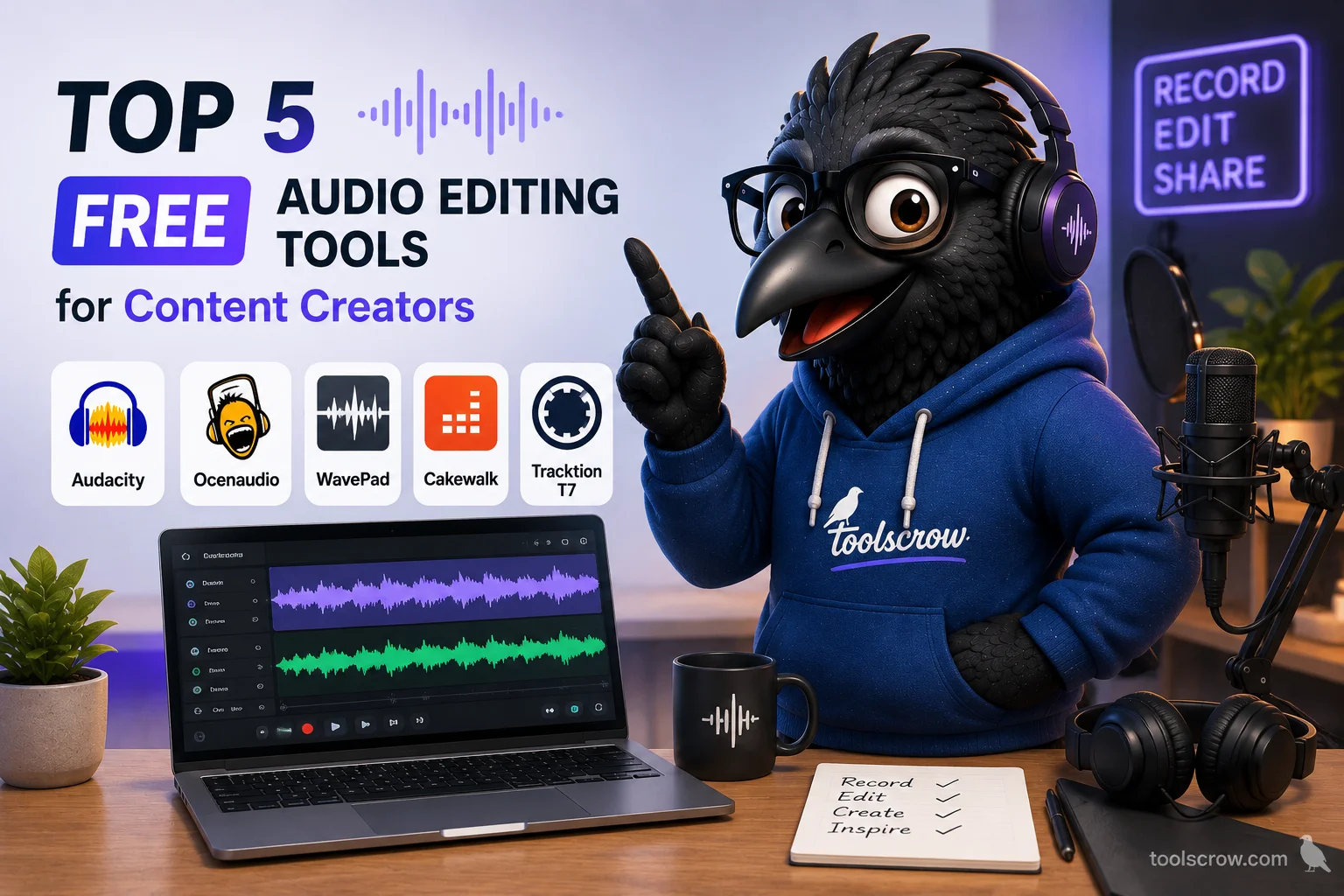
Top 5 Free Audio Editing Tools for Content Creators
Discover how to remove noise, boost loudness to LUFS broadcast standards, and detect BPM online without heavy desktop so…
Read article →Shift pitch ±12 semitones. Preserve duration with high-quality granular processing or change speed. Preview and export WAV/MP3 instantly.
Our advanced pitch shifter tool allows you to easily change the pitch of any audio file while maintaining the original duration. Whether you're a musician looking to transpose a song, a podcaster wanting to create character voices, or just having fun with audio files, our tool provides professional-quality pitch shifting completely free and directly in your browser.
Your audio files never leave your computer. All processing happens locally in your browser for maximum privacy and security.
Get real-time previews of your pitch-shifted audio before exporting. No waiting for server processing or uploads.
Fine-tune your results with advanced parameters like grain size and overlap for the perfect sound.
Download your pitch-shifted audio in high-quality WAV or compressed MP3 format with adjustable bitrate.
Click the upload area or drag and drop your MP3, WAV, or OGG file into the browser window. Supported formats include all common audio files up to high-resolution recordings.
Use the semitones slider to shift pitch up or down (-12 to +12 semitones). Enable "Preserve Duration" to maintain the original length while changing pitch.
For optimal results, adjust grain size (20-200ms) and overlap percentage. Smaller grains work better for vocals, larger grains for instruments.
Listen to your pitch-shifted audio directly in the browser. When satisfied, choose your preferred format (WAV or MP3) and download your processed file.
Transpose songs to different keys without changing tempo. Perfect for adapting instrumental tracks to a vocalist's range or creating custom karaoke versions.
Create character voices for podcasts, animations, or audio books. Adjust pitch subtly for clarification or dramatically for creative effects.
Slow down or speed up learning materials without changing pitch, or adjust the key of songs to match your instrument while practicing.
Correct slightly off-key recordings or match audio elements to a specific key in post-production workflows.
There's no fixed limit, but very large files may process slower depending on your device's capabilities. For best results, we recommend files under 100MB.
Currently, our tool only processes audio files. For video files, you would need to extract the audio first using a video to audio converter.
These advanced controls affect audio quality and processing time. Smaller grain sizes preserve transients better (good for percussion), while larger grains create smoother results (good for sustained notes).
Our algorithm uses high-quality time-stretching and pitch-shifting techniques to minimize artifacts. For best results, use WAV files instead of lossy formats like MP3 as source material.
Yes, our pitch shifter works on all modern mobile browsers. However, processing very large files may be slower on mobile devices compared to desktop computers.
Whether you're working on music production, podcast editing, or just experimenting with audio, our free online pitch shifter offers professional-grade results without expensive software. No registration required, no watermarks, and completely free to use as much as you want.
Discover how to remove noise, boost loudness to LUFS broadcast standards, and detect BPM online without heavy desktop so…
Read article →I create remixes and need precise pitch control. This tool maintains audio quality while shifting pitch. Better than some expensive VSTs I own. Hidden gem!