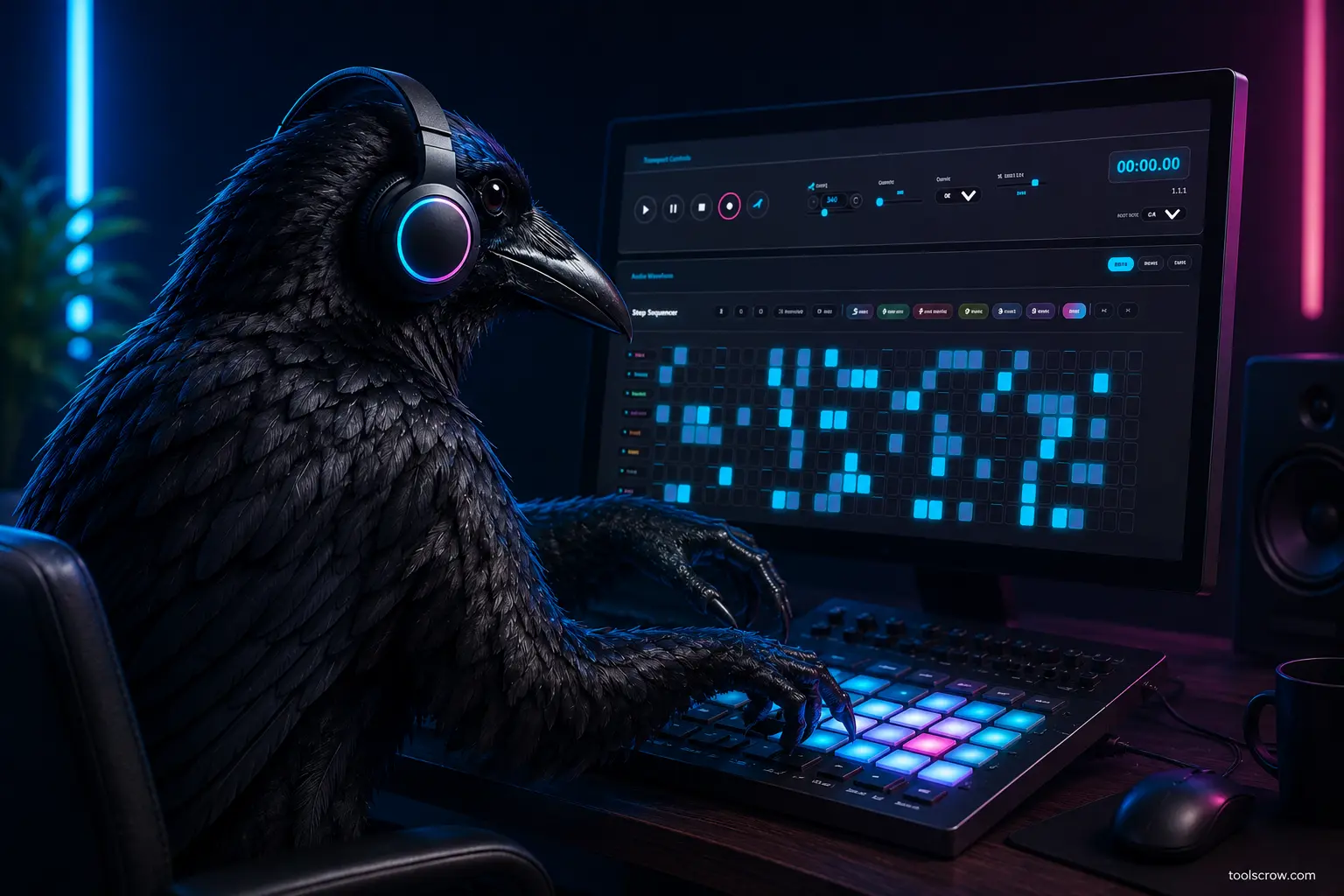
Transport Controls
Control playback: Play, pause, stop, and record buttons. Adjust tempo (BPM), swing, step count, and master volume.
0%
85%
00:00.00
Current time
1.1.1
Beat position
Audio Visualizer
Real-time audio frequency visualization with three display modes: Frequency, Waveform, and Circular
Step Sequencer
Click steps to activate drum sounds. Use keyboard Q-R, A-F, Z-V for quick input.
Drum Pads
Keyboard:
QWERTYUI
Patterns:
1-8
Click pads or use Q-I keys to trigger drum sounds
Mixer & Effects
Channel Mixer
Master Effects
0%
0%
0%
100%
0%
Adjust channel volumes, mute, solo and master effects
Pattern Bank
Click pattern slots A1 through B4 to switch between different patterns