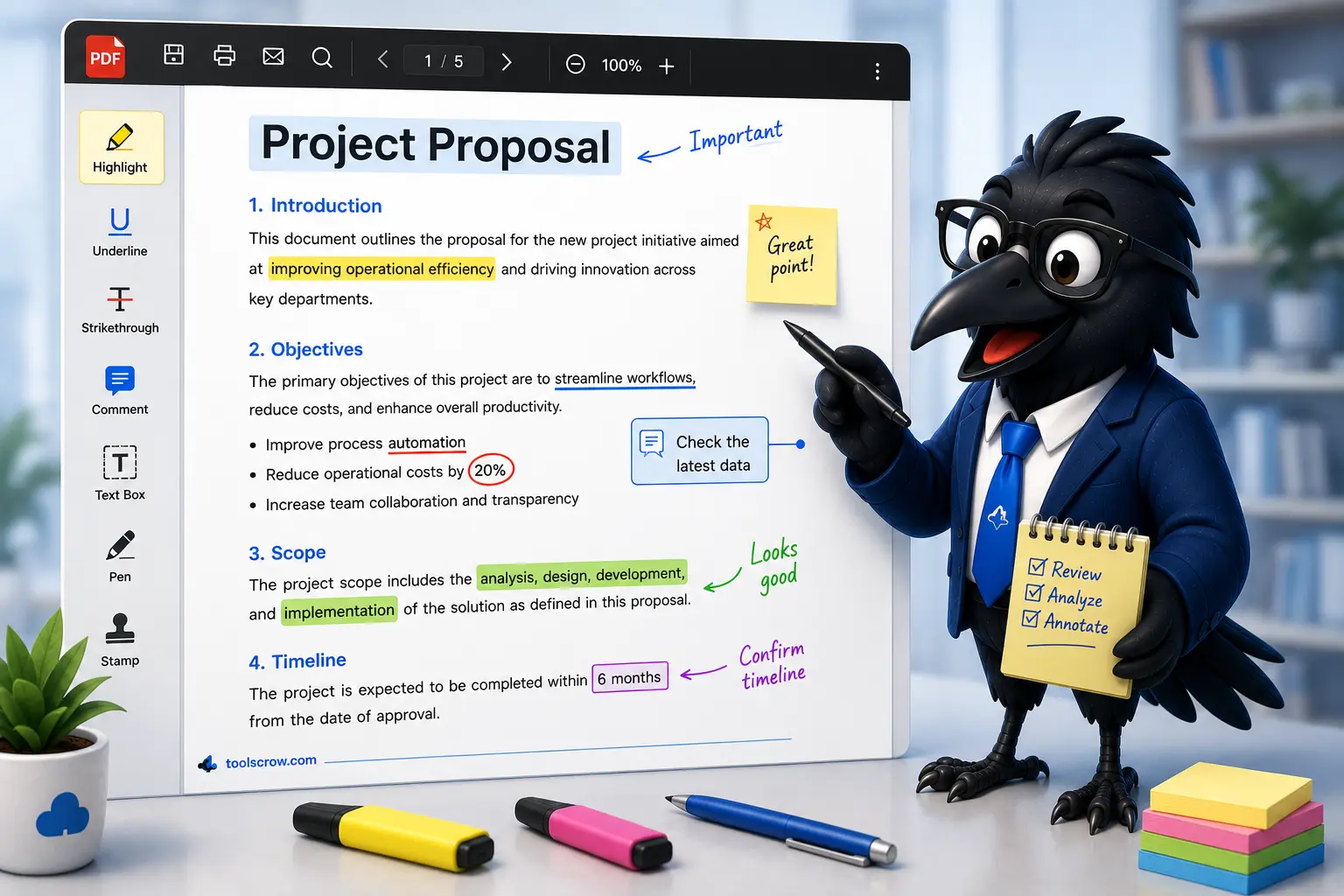
Annotate PDF Like a Professional: Complete Guide for Teachers and Editors (2026)
Learn how to annotate PDFs like a professional. Complete guide for teachers, editors, and reviewers covering highlights,…
Read article →Edit, annotate & mark up PDFs online for free
Drag & drop your PDF file or click to browse. Max file size: 100MB.
Upload PDF to view pages
Yes, absolutely! Our PDF annotation tool works entirely in your browser. Your PDF never leaves your computer or gets uploaded to any server. All processing happens locally on your device.
We support PDF files up to 100MB. For optimal performance, we recommend files under 50MB. All standard PDF versions (1.0 to 2.0) are supported.
Yes! Our tool is fully responsive and touch-optimized. It works perfectly on smartphones, tablets, and desktop computers. No app installation required.
Click the "Export PDF" button after annotating. The tool creates a new PDF with all annotations embedded and downloads it to your device. You can also print directly from the tool.
Upload your document and start editing in seconds. No registration, no watermarks, completely free.
Learn how to annotate PDFs like a professional. Complete guide for teachers, editors, and reviewers covering highlights,…
Read article →I mark student assignments online. Highlights, comments, shapes - everything I need. No login required, privacy focused. Perfect for education!