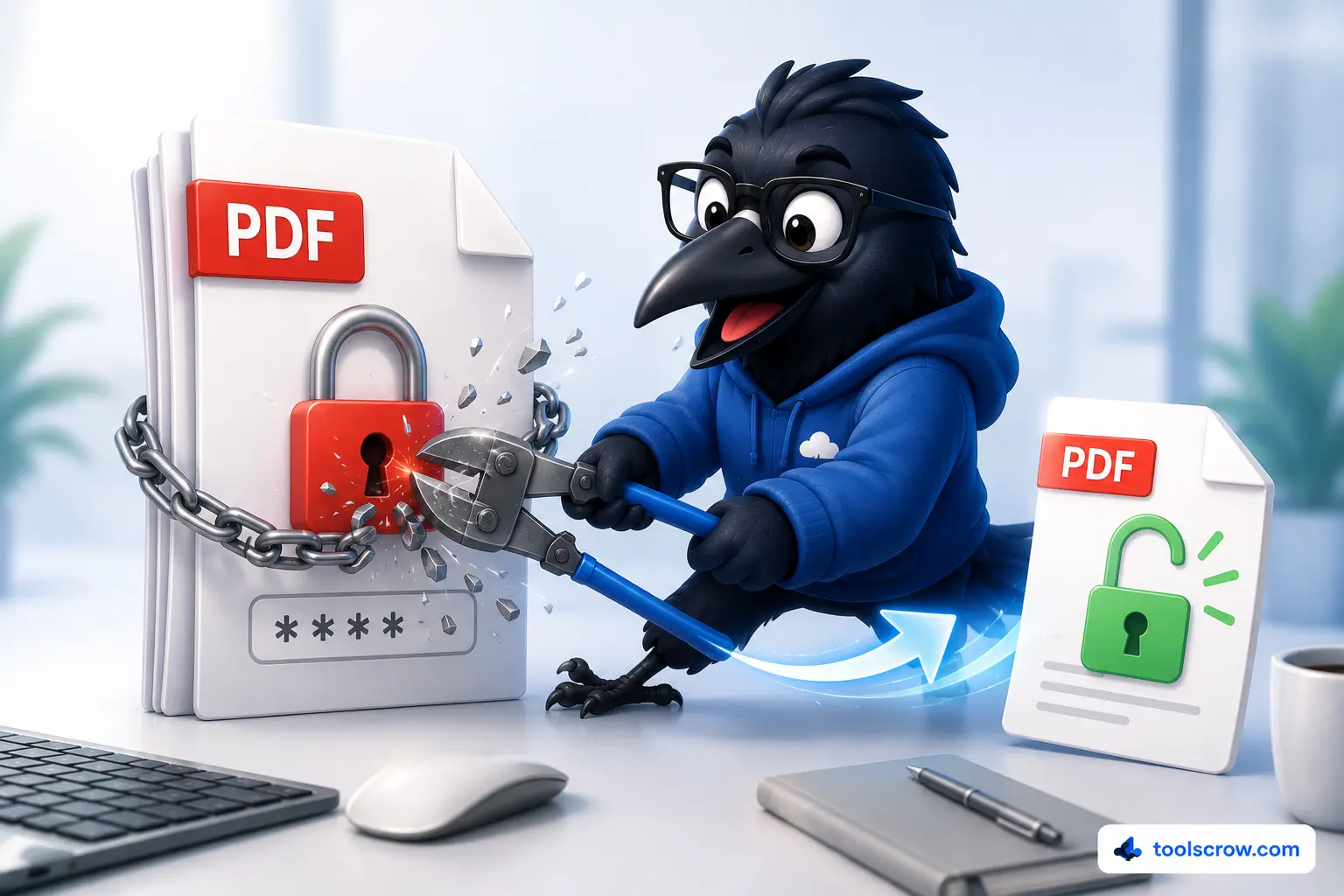
Free PDF Password Remover — Unlock PDF Files Online

Remove password protection from PDF files instantly in your browser. No uploads, no signup, no software to install. Unlock your PDFs completely free.

Document Information

leave blank if PDF has no password

Your password never leaves your browser. Unlocking happens locally on your device.

Processing…0%

PDF Preview

Unlocked Successfully

Preview will appear here after unlocking

Navigation

Zoom
100%

Keyboard Shortcuts
Navigate pages
Ctrl++ / - Zoom in/out
Home / End First/last page
All Pages Click any thumbnail to jump

How to Remove Password from PDF

Unlock a Password-Protected PDF

  • Upload or drag & drop your secured PDF file
  • Type the document open password (if it has one)
  • Click "Unlock & Preview" to remove protection
  • Preview all pages with thumbnails and zoom
  • Download the fully unlocked, unrestricted PDF

Features & Benefits

  • 100% browser-based — no server uploads
  • Works with all PDF password types
  • Preview pages before downloading
  • Save individual pages as PNG images
  • No watermarks, no signup required

Why Use Our PDF Password Remover

Remove PDF Passwords Instantly

Unlock password-protected PDF documents quickly without installing any software. Works entirely in your web browser for complete privacy.

100% Private & Secure

Your PDF never leaves your device. All processing happens locally in your browser using JavaScript. No server uploads, no data storage.

No Watermarks, No Sign-up

Download your unlocked PDFs without any watermarks, branding, or annoying sign-up requirements. Completely free online PDF password remover.

Works on All Devices

Use our PDF password unlocker on Windows, Mac, Linux, Android, and iOS. Any modern web browser is all you need.

Preview Before Download

View all pages with thumbnails, zoom, and navigation controls before downloading the unlocked PDF. Verify your document is correct.

Save Pages as Images

Export individual pages as high-quality PNG images. Perfect for extracting specific pages from your unlocked PDF.

Common Use Cases for Removing PDF Passwords

When to Remove a PDF Password

  • You forgot the password to your own PDF document
  • You received a secured PDF and need easier access
  • Your PDF reader doesn't support password prompts
  • You need to batch process password-protected files
  • You want to merge a secured PDF with other documents
  • The original password is no longer needed for the document

Who Uses This Tool

  • Business professionals unlocking internal documents
  • Students accessing password-protected study materials
  • Freelancers editing secured client files
  • Anyone who has forgotten their own PDF passwords

Frequently Asked Questions

Can this tool crack an unknown PDF password?
No. This is not a password cracking tool. You must know the existing password to unlock a PDF. We cannot and do not provide any way to bypass unknown passwords.
Is it safe to use this online PDF unlocker?
Yes. The entire unlocking process happens in your browser using JavaScript. Your PDF is never uploaded to any server, making it completely private and secure.
Does the unlocked PDF keep the original quality?
Yes. We render each page at high resolution and reconstruct the PDF, preserving visual quality. Text-based PDFs maintain sharp, selectable text.
Can I remove a password from a PDF without knowing it?
No. You must provide the correct open password to remove protection. This tool is designed for legitimate owners who have forgotten or need to remove their own passwords.

Technical Details & Security Information

Client-Side PDF Unlock Technology

Our unlock feature uses Mozilla's PDF.js rendering engine combined with PDF-Lib for document reconstruction. Your file is loaded into your browser's memory, decrypted locally, and exported — the server never sees your document.

No Server Storage

Unlike many online PDF tools, we never store, cache, or retain your documents. All processing happens in real-time within your browser session.

High-Quality Output

We render pages at high resolution and maintain the original document quality. No compression, no quality loss, no watermarks.

Free Online PDF Password Remover

Looking for the best way to remove password protection from PDF files? Our free online PDF password remover is the perfect solution. Whether you need to unlock a password-protected PDF, open a secured PDF without the password prompt, or simply remove restrictions from a PDF file — our tool handles it all instantly in your browser.

Unlike many online PDF tools, we prioritize your privacy: the unlock process happens entirely client-side using JavaScript, meaning your sensitive documents are never uploaded to our servers. No registration required, no watermarks added, and completely free for personal and commercial use.

Common searches that bring users to our tool include: remove password from PDF online free, unlock PDF without password, how to open password protected PDF, PDF password remover online, free PDF unlocker, and remove PDF security settings. Our tool supports all these use cases and more.

About This PDF Unlocker

Remove passwords from PDF files instantly and completely free. 100% client-side processing with no server uploads.

Zero server uploads
No signup required
No watermarks
Works on all devices
Completely free

Related PDF Tools

Explore our other free PDF utilities:

Related Articles

Unlock PDF: 3 Ways to Remove Passwords (Ethical Only)
Jun 16, 2026

Unlock PDF: 3 Ways to Remove Passwords (Ethical Only)

Learn how to remove a PDF password the right way - for files you own or have permission to access. Free browser-based un...

Read Article →

⭐ User Reviews

4
★★★★☆
1 review
IT Kenji
Oct 5, 2025
★★★★☆
📌 Useful for forgotten passwords
Employees forget PDF passwords all the time. This helps recover access. Works most times, sometimes fails with strong encryption but still useful.