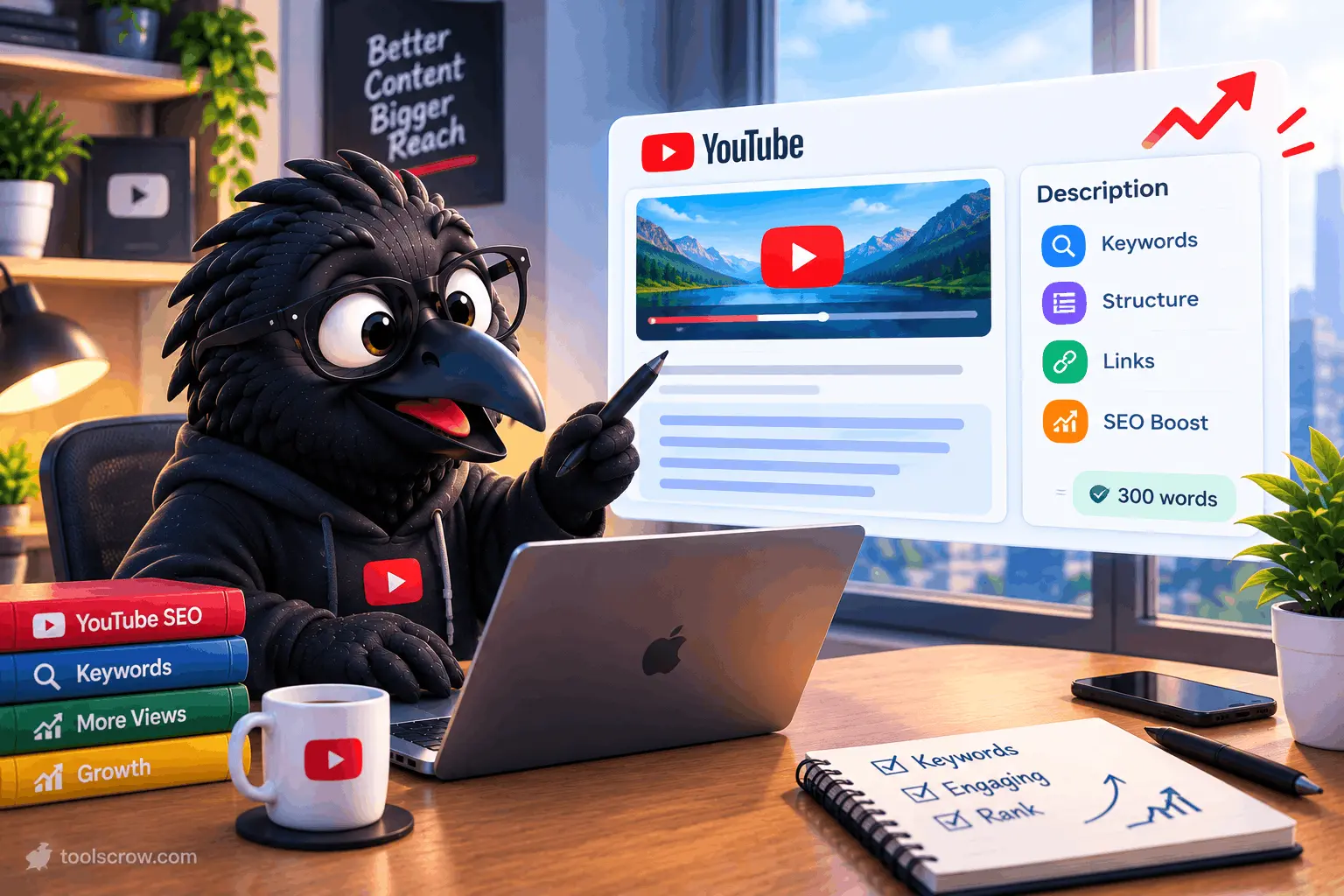
Open ten random YouTube videos in any competitive niche and look at the descriptions. Eight of them will say almost nothing - a one-line summary, a subscribe link, maybe a stray hashtag. The other two will look completely different: a keyword-rich opening line, a short paragraph that reads naturally, timestamps, links, and a handful of targeted hashtags. Those two videos are, more often than not, the ones ranking above the other eight for the exact same search term.
The description field is the most underused piece of real estate on a YouTube channel. It is not a caption. It is not an afterthought you type in thirty seconds before hitting publish. It is metadata that YouTube's search and recommendation systems read, index, and use to decide which searches your video deserves to appear in - and it is also the first thing a skimming viewer reads to decide whether to keep watching or bounce back to the results page.
This guide breaks down exactly why 300 words is the number worth aiming for, what has to happen in the first two sentences, how YouTube's search index actually treats your description text, and how to structure one so it works for search engines and for the human reading it. There is also a free tool at the end that builds the entire thing for you in under a minute.
Why the Description Field Matters More Than Most Creators Think
YouTube is the second-largest search engine in the world, and like any search engine, it needs text to understand what a piece of content is about. A video file itself is just pixels and audio to a ranking algorithm unless something translates it into searchable language. The title does some of that work. The transcript does some of it. But the description is the one field entirely under the creator's control, unlimited in how it can be structured, and readable both by YouTube's indexing systems and by Google's separate web index, since YouTube videos regularly surface in standard Google search results.
A thin description - one sentence, no keywords, no structure - gives the algorithm almost nothing to work with beyond the title and whatever it infers from viewer behavior. A well-built description gives YouTube dozens of additional signals: the specific topic, the related subtopics covered, the audience the video is meant for, and the exact phrases people use when they search for content like it. Every one of those signals is a chance to surface in a search result the video would otherwise miss entirely.
There is a second, equally important function that has nothing to do with algorithms. When a description appears in search results - on YouTube or on Google - the first line or two is what a person reads before deciding to click. A description that opens with a vague greeting or a generic "Welcome back to my channel!" wastes that decision-making moment. A description that opens by clearly stating what the video delivers converts a browser into a click.
The 300-Word Rule - Why This Specific Length Works
The advice to write "long descriptions" is not specific enough to be useful, and the advice to write "short descriptions" throws away searchable text for no benefit. The range that consistently performs best across tutorial, review, vlog, and educational content sits between 200 and 300 words. Here is why that particular window works and neither shorter nor much longer descriptions perform as well.
Below roughly 150 words, a description usually does not contain enough natural keyword variation to rank for more than one or two search terms. It states what the video is about once, in one phrasing, and stops. That single phrasing might match a search query exactly, or it might not - and if it does not, the video has no other text to fall back on.
Above roughly 400 to 500 words, a different problem shows up. Descriptions that long tend to either repeat the same points in slightly different words purely to hit a length target, or they bury the useful information under padding a viewer has no reason to read. YouTube's algorithm does not reward length for its own sake, and neither do viewers - a description that looks like a wall of text gets skipped, not read.
A 200-to-300-word description sits in the sweet spot: long enough to include the primary keyword, several natural secondary keyword variations, a clear explanation of what the video covers, and supporting structure like timestamps and links - while staying short enough that a real person will actually read the opening lines before deciding whether to keep scrolling or start watching.
| Description Length | What Typically Happens |
|---|---|
| Under 50 words | Minimal keyword coverage; algorithm has almost nothing to index beyond the title |
| 50–150 words | Covers the main topic but usually only one phrasing of it; limited discoverability |
| 200–300 words (optimal) | Room for keyword variation, natural explanation, timestamps, and links without padding |
| 400–500+ words | Diminishing returns; risk of repetition and viewers skipping the block entirely |
YouTube technically allows up to 5,000 characters in a description - roughly 800 to 900 words - but the character ceiling is a limit, not a target. Filling it out is rarely the goal; using the first 300 words well is.
The First 155 Characters Decide Whether Anyone Reads the Rest
Before a viewer ever gets to the full description, they see a truncated preview - on the YouTube search results page, on the watch page before clicking "show more," and in Google's own search results when the video appears there. That preview window is roughly 155 to 160 characters, which works out to about 25 to 30 words.
This is the single highest-leverage sentence in the entire description, and it is the part creators most often waste on something generic. "Welcome back to my channel, today we're going to talk about..." burns the entire preview window before saying anything a search engine or a viewer can act on. By the time the sentence gets to the actual topic, the 155-character cutoff has already hit.
The opening line should do three things at once: state the specific topic in plain language, include the primary keyword naturally, and give the reader a reason to click or keep watching. It should read like a sentence a person wrote, not a keyword list stitched together - search engines are good at detecting the difference, and readers are even better at it.
| Weak Opening Line | Stronger Opening Line | Why It Works Better |
|---|---|---|
| Hey everyone, welcome back to another video! | Learn how to remove background noise from any video in under 5 minutes using free software. | States the topic and outcome inside the preview window |
| Today I'm reviewing this product. | This budget mechanical keyboard costs $40 - here's whether it's actually worth buying in 2026. | Names the product category and includes a searchable comparison angle |
| New vlog, hope you enjoy! | A day in the life of a freelance graphic designer working from three different cities in one month. | Specific enough to match a real search intent, not just a greeting |
How to Structure a Description That Works for Both Search Engines and Humans
A description that ranks well and reads well is not a random block of text - it follows a loose but consistent structure. Not every video needs every element below, but the order generally holds across formats.
1. The Hook (First 1–2 Sentences)
Covered above: state the topic, include the primary keyword, and give a reason to watch, all within roughly 155 characters.
2. The Expanded Summary (2–4 Sentences)
After the hook, expand on what the video actually covers. This is where secondary keywords and related phrases belong - not stuffed in unnaturally, but woven into a genuine explanation of the video's content. If the video covers five distinct points, naming those points here gives the algorithm five additional pieces of searchable text and gives the viewer a reason to trust that the video covers what they are looking for.
3. Timestamps
If the video is long enough to benefit from chapter navigation, timestamps belong in the description, formatted to YouTube's exact requirements (starting at 0:00, at least three entries, each chapter at least 10 seconds long). Beyond the navigation benefit for viewers, each chapter title is additional indexed text - effectively free extra keyword coverage layered on top of the main description.
4. Related Links
Links to a related video, a playlist, a website, or a product mentioned in the video give viewers somewhere to go next and give the description additional relevant context. The first link placed in a description is generally the one that gets the most clicks, so it is worth reserving that position for whatever matters most - the next video in a series, an affiliate link, or a website.
5. Social and Channel Links
Secondary to the main content links, but useful for viewers who want to follow the creator elsewhere. These typically sit lower in the description since they matter less for immediate search relevance.
6. Hashtags
YouTube indexes the first three hashtags in a description and displays them directly above the video title on the watch page. Beyond three, hashtags still appear in the description text but lose that prominent placement. Three to five well-chosen, specific hashtags outperform ten generic ones - a hashtag like #videoediting2026 tied to the actual content beats a broad tag like #youtube that every video on the platform could plausibly use.
7. Call to Action
A short, direct line asking for a like, a comment, or a subscription. This has no direct SEO effect but does influence engagement metrics - comments, likes, and subscribes are all behavioral signals YouTube's algorithm weighs when deciding how widely to distribute a video.
Keyword Placement Without Keyword Stuffing
The line between a well-optimized description and a keyword-stuffed one is thinner than it looks, and crossing it does real damage - both to how the description reads and, over time, to how the algorithm treats the channel. A few principles keep a description on the right side of that line.
- Use the primary keyword once in the opening line, naturally. Repeating it three or four times in the first paragraph reads as spam to a person and does not meaningfully improve ranking.
- Use secondary keywords as natural variations, not a list. If the primary keyword is "how to edit videos," secondary phrasing might include "video editing tutorial," "beginner video editing," or "editing software for beginners" - worked into sentences a person would actually write.
- Match the language the audience actually searches, not internal jargon. A creator might think of their video as covering "post-production color grading," while the audience searching for it types "how to make videos look cinematic." The description should speak the audience's language.
- Never sacrifice readability for keyword density. If a sentence has to be reworded awkwardly to fit a keyword, the keyword does not belong in that sentence. YouTube's systems, like Google's, are built to recognize natural language and increasingly discount text that reads as mechanically stuffed.
Descriptions by Video Type - What Changes and What Stays the Same
The core structure holds across formats, but the emphasis shifts depending on what kind of video is being described.
Tutorials and How-To Videos
Lead with the specific outcome the tutorial delivers ("how to fix X" or "how to build Y"), not the general topic area. Tutorial searchers are highly specific, so the description should mirror that specificity - naming the exact tools, software versions, or techniques covered rather than describing the video in general terms.
Reviews and Comparisons
Name the specific product, and where relevant, what it is being compared against, directly in the opening line. Review searches are often comparative ("X vs Y") or qualifying ("is X worth it"), and the description should reflect that phrasing rather than a generic "check out this product" framing.
Vlogs and Lifestyle Content
Vlogs are harder to keyword-optimize because the content is broader, but a strong description still names the specific activity, location, or theme of the video rather than defaulting to a greeting. "A weekend trip to the mountains, what we packed and what we'd do differently" gives search engines and viewers far more to work with than "new vlog, enjoy!"
Podcasts and Long-Form Interviews
Name the guest and the specific topics discussed, not just "great conversation" language. If the episode covers three distinct subjects, naming all three in the description - and pairing that with timestamped chapters - gives the video multiple independent entry points into search.
Educational and Documentary Content
Lead with the central question or claim the video addresses. Educational searchers frequently type full questions into the search bar, so a description that mirrors that question structure ("why does X happen," "what actually causes Y") tends to align closely with real search queries.
Timestamps and Description SEO - Why They Belong Together
Description text and video chapters work together rather than as separate concerns. Each chapter title placed in the description is additional indexed text describing a specific segment of the video, which means a well-titled set of chapters functions as several smaller, highly specific descriptions stacked inside the larger one. A tutorial with six chapters titled around six distinct sub-questions gives YouTube six additional angles from which to surface that video in search - on top of whatever the main summary paragraph covers.
The formatting requirements for chapters to actually activate are strict: the first timestamp must be exactly 0:00, there must be at least three timestamp entries, each chapter must run at least 10 seconds, and the timestamp format has to use colons with no internal spaces. Getting any one of these wrong means the timestamps sit in the description as plain text rather than activating as a navigable chapter bar. For a deeper walkthrough of chapter formatting specifically, a dedicated timestamp-building tool handles this automatically.
Common Description Mistakes That Quietly Cost Views
Copy-Pasting the Same Description Across Every Video
A description template reused word-for-word across dozens of videos, with only the title changed, gives YouTube almost no way to distinguish one video's specific content from another's. Templates are useful as a starting structure, but the summary section should be rewritten for what that specific video actually covers.
Burying the Topic Under a Long Intro Paragraph
Channel introductions, sponsor mentions, and "who I am" paragraphs belong lower in the description, not in the opening lines where the 155-character preview lives. Every word spent on introducing the channel in that opening window is a word not spent telling a search engine or a viewer what the video actually covers.
No Links, or Too Many Links With No Order
A description with zero links wastes an opportunity to drive traffic to related content or a website. A description with fifteen unordered links looks like spam and buries the one or two links that actually matter. A short, deliberately ordered set of links - the most important one first - outperforms both extremes.
Hashtag Overload
Since only the first three hashtags get the prominent placement above the title, piling on ten or fifteen generic tags adds clutter without adding benefit. Three to five specific, relevant hashtags do more work than a long generic list.
Never Updating Old Descriptions
Descriptions, like titles, can be edited on already-published videos at any time. A description written when a channel was smaller or before certain keyword research existed can be revisited later, particularly for videos that are already receiving steady traffic - small adjustments to an established video's description are one of the lowest-effort, highest-leverage optimizations available on an existing channel.
How to Write One in Under a Minute With AI
Writing a properly structured, keyword-aware, 200-to-300-word description by hand - one that nails the opening line, includes natural keyword variation, formats timestamps correctly, and orders links sensibly - takes real time to do well, and most creators either skip it entirely or rush a version that skips half the structure above.
The free YouTube Description Generator at toolscrow.com builds the entire thing automatically. Choose from eight content templates - tutorial, vlog, review, unboxing, podcast, gaming, interview, or educational - enter the video title, target keywords, a two-to-three-sentence summary, and a call to action, and the tool assembles a complete, correctly structured description with a built-in timestamp builder, an SEO score, and a live preview of exactly how the description will appear in search results before it is ever published.
Step 1: Pick the Template That Matches the Video
Each template adjusts the structure and tone to fit the format - a tutorial description emphasizes the specific outcome and steps covered, while a podcast template emphasizes the guest and discussion topics. Picking the right starting template means less manual editing afterward.
Step 2: Enter the Title, Keywords, and Summary
The video title anchors the description. The keyword field tells the tool what phrases to weave naturally into the opening lines and body. The two-to-three-sentence summary is the most important input - the more specifically it describes what the video actually covers, the more accurate and useful the generated description will be.
Step 3: Add Timestamps, Links, and Hashtags
The built-in timestamp builder formats chapter entries to YouTube's exact requirements automatically, removing the risk of a formatting mistake that silently breaks the chapter bar. Optional sections for related links, social links, resources mentioned, and an FAQ block can be toggled on depending on what the specific video needs.
Step 4: Check the SEO Score and Search Preview
The tool scores the generated description and shows a live preview of how it will look in a search result, including the truncated opening line - making it easy to see and fix any issue with the first 155 characters before publishing rather than discovering the problem after the video is already live.
Step 5: Copy, Export, and Publish
The finished description can be copied directly, exported as a text file, or exported as HTML, then pasted into YouTube Studio at upload or added to an existing video's description at any time.
Frequently Asked Questions About YouTube Description SEO
How long should a YouTube description actually be?
Between 200 and 300 words performs best across most content types. This is long enough to include natural keyword variation, a clear summary, timestamps, and links, without padding the description to the point where viewers stop reading and the algorithm has no reason to weight the extra length.
Does YouTube actually read the description for ranking, or is it just for viewers?
Both. YouTube's indexing systems read description text as part of understanding what a video is about, alongside the title, tags, and transcript. Descriptions also appear directly in search result previews, which affects whether a person clicks through after seeing the video listed.
What is the ideal length for the opening line specifically?
Roughly 125 to 155 characters, since that is the range YouTube and Google typically display before truncating the preview with an ellipsis. The opening line should state the specific topic and include the primary keyword within that window.
How many hashtags should be in a description?
Three to five specific, relevant hashtags. YouTube gives prominent placement above the title to the first three hashtags in the description, so those three matter most - additional hashtags beyond that still exist in the text but lose the prominent display position.
Can editing an old video's description actually improve its performance now?
Yes. Descriptions can be edited on any published video at any time, and the update applies immediately to ongoing traffic. Revisiting descriptions on videos that are already receiving steady views - particularly to sharpen the opening line or add missing timestamps - is one of the more time-efficient optimizations available on an established channel.
Is keyword stuffing ever worth it for better ranking?
No. Repeating the same keyword unnaturally throughout a description reads as spam to viewers and does not produce a meaningful ranking benefit. A single natural use of the primary keyword in the opening line, combined with genuine variation throughout the rest of the description, consistently outperforms repetition.
Your Next Upload Deserves a Real Description
A thin, generic description is one of the easiest gaps to close on an entire channel, and it is also one of the most consistently ignored - not because it is difficult, but because writing a properly structured 300-word description by hand for every single upload is tedious enough that most creators stop doing it after the first few videos.
The description field is free, unlimited in structure, and entirely within a creator's control - unlike watch time or click-through rate, which depend on the video itself, a strong description can be written and published in minutes, on any video, at any point in its life.
For any upcoming upload, or any older video sitting with a one-line description, the free YouTube Description Generator at toolscrow.com builds a complete, properly structured, keyword-aware description - with timestamps, links, and hashtags included - in under a minute.
Here is the complete process in four steps:
- Open the YouTube Description Generator at toolscrow.com/seo-tools/social/youtube-description/
- Pick a template and enter the video title, keywords, and a specific 2–3 sentence summary
- Add timestamps, links, and hashtags using the built-in builders
- Check the SEO score and search preview, then copy or export the finished description into YouTube Studio
Every video published with a one-line description is leaving searchable text, click-through rate, and discoverability on the table - a gap a few minutes and the right structure can close for good.
Also useful from Toolscrow's SEO tools suite: the YouTube Chapter Generator for correctly formatted video timestamps, and the Hashtag Generator for building a targeted set of hashtags for any video or post.


Comments (0)
No comments yet. Be the first to share your thoughts!
Leave a Comment
All comments are reviewed before publishing. Please keep it respectful and on-topic. Comments with links or promotional content will be rejected automatically.